
Free support chat
Add a real support chat to any page with one line of code. Visitors message you from their browser, you answer from your phone, and every conversation stays in one inbox. No plugin, no bot, no monthly bill.
Free. You answer from your phone or any browser.

✓ One line of code
✓ Visitors chat right on your page
✓ Replies reach them by email
✓ Free
A contact form is a message into the dark, and the visitor never knows it arrived. A chat is a conversation they can see, come back to, and pick up days later, right where it stopped.
Why it works
Every message goes to you. The panel tells visitors so, which is increasingly the thing they want to hear before they type.
Visitors sign in with a six digit email code and pick a username. No photo, no bio, no phone number, unless you choose to ask for more.
Each visitor gets their own private thread. Reply after they have closed the tab and your answer is emailed to them, with the conversation waiting when they come back.
Setup
Paste the snippet into your page, or into your theme's footer to put it on every page. A chat button appears in the corner and the panel opens when somebody taps it.
Works anywhere you can paste a script tag, from a hand-built site to a website builder.
Light on your page. The loader fetches nothing else until somebody opens the chat. Keep defer on the tag.
Phone friendly. On small screens the panel goes full screen and the page behind it stays put.
Full setup guide<script src="https://embed.brane.chat/embed.js"
data-user="your-username"
defer></script>
Swap your-username for your own Brane username. That is the whole install.
Your side
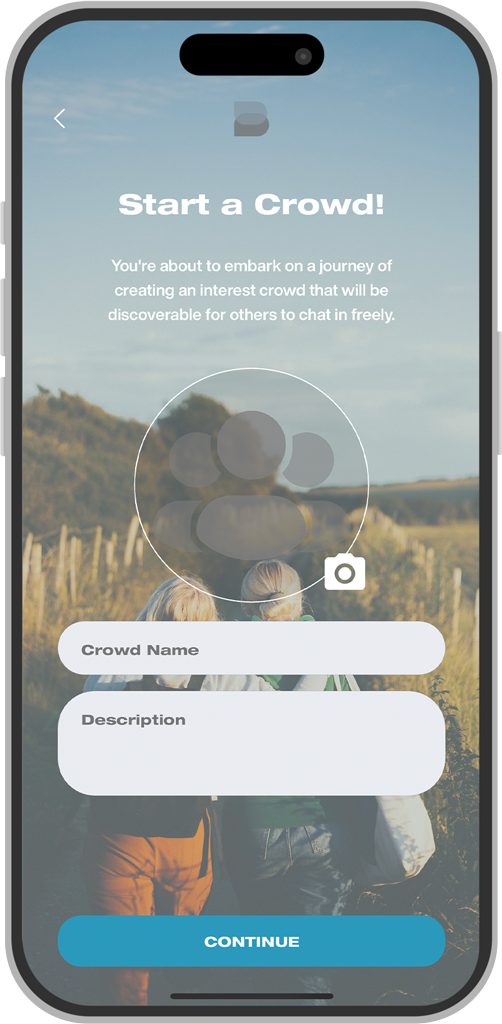
Every visitor's question lands in one Brane inbox, so you can see who is waiting and work through them from anywhere. There is no dashboard to keep open.
On your phone with the Brane app for iPhone and Android, with push notifications when a visitor writes.
On your laptop in any browser at brane.chat.
Stay in control with block and report on any conversation that is not genuine.
Make it yours
data-primary
Tints the button and the panel in your colour, in light or dark, without ever making the chat hard to read.
data-welcome
Set the words above the email field, like "Questions about your order? Ask us here."
data-launcher="none"
Hide the floating button and open the chat from a "Contact us" link of your own with window.Brane.open().
Beyond your website
Your Brane profile has its own web address too. Put it in your Instagram, TikTok and LinkedIn bios and on your Google listing, and customers can message you from any of them, straight from their browser. Every enquiry, one inbox.
brane.im/u/your-username
Getting started
01
Set up your support account on your phone or at brane.chat, and pick a username.
02
Put the script tag on your site with your username in it.
03
Add your colour and welcome line, or open it from your own button.
04
Turn on notifications and reply whenever a visitor writes.
Yes. The chat, the embed and every conversation are free, with no per-seat or per-message pricing.
Just your page. They type their email, enter the six digit code and start talking, without ever leaving your site.
No. Every message reaches a real person, you, and the panel tells visitors that before they start.
Your reply is emailed to them, and the conversation is waiting on your site when they come back.
The loader is tiny and fetches nothing else until somebody opens the chat. Keep defer on the script tag.
Yes. Use data-crowd="your-crowd-name" to show a public Crowd, so your customers can talk to each other as well as to you.
Free. Your visitors chat on your site, and you answer from your phone or any browser.